Building a Digital Tax Documentation System That Connects Receipts, Bank Records, Expenses, and Tax Forms

Managing financial records has become increasingly complex for U.S. taxpayers, freelancers, and small business owners. Many individuals save receipts through mobile apps, download monthly bank statements, and store tax forms in digital folders, yet these records often exist separately without a clear connection.
When tax filing season arrives, this fragmented approach can create unnecessary challenges. Finding a specific receipt, confirming a payment, or explaining how an expense connects to a tax category may require hours of manual searching.
A digital documentation system solves this problem by creating a structured workflow that links receipts, financial transactions, expense records, and official tax documents. By organizing these elements throughout the year, taxpayers can improve accuracy, simplify tax preparation, and maintain clearer financial records.
Capturing Receipts Immediately After Transactions
The first stage of an effective documentation system is capturing receipts as soon as expenses occur. Physical receipts are unreliable because they can be lost, damaged, or become unreadable over time.
Digital capture methods, including mobile scanning tools and secure cloud storage, allow taxpayers to convert paper receipts into searchable digital records. However, simply saving an image is not enough. Each receipt should include important information that explains the purpose of the transaction.
Essential receipt details include:
Vendor information: The business or service provider involved in the transaction.
Transaction amount: The exact cost paid.
Date of purchase: When the expense occurred.
Expense category: The tax-related classification, such as office supplies, travel, advertising, or professional services.
Adding this information at the time of purchase prevents confusion months later when reviewing expenses for tax purposes.

Connecting Receipts With Bank and Credit Card Records
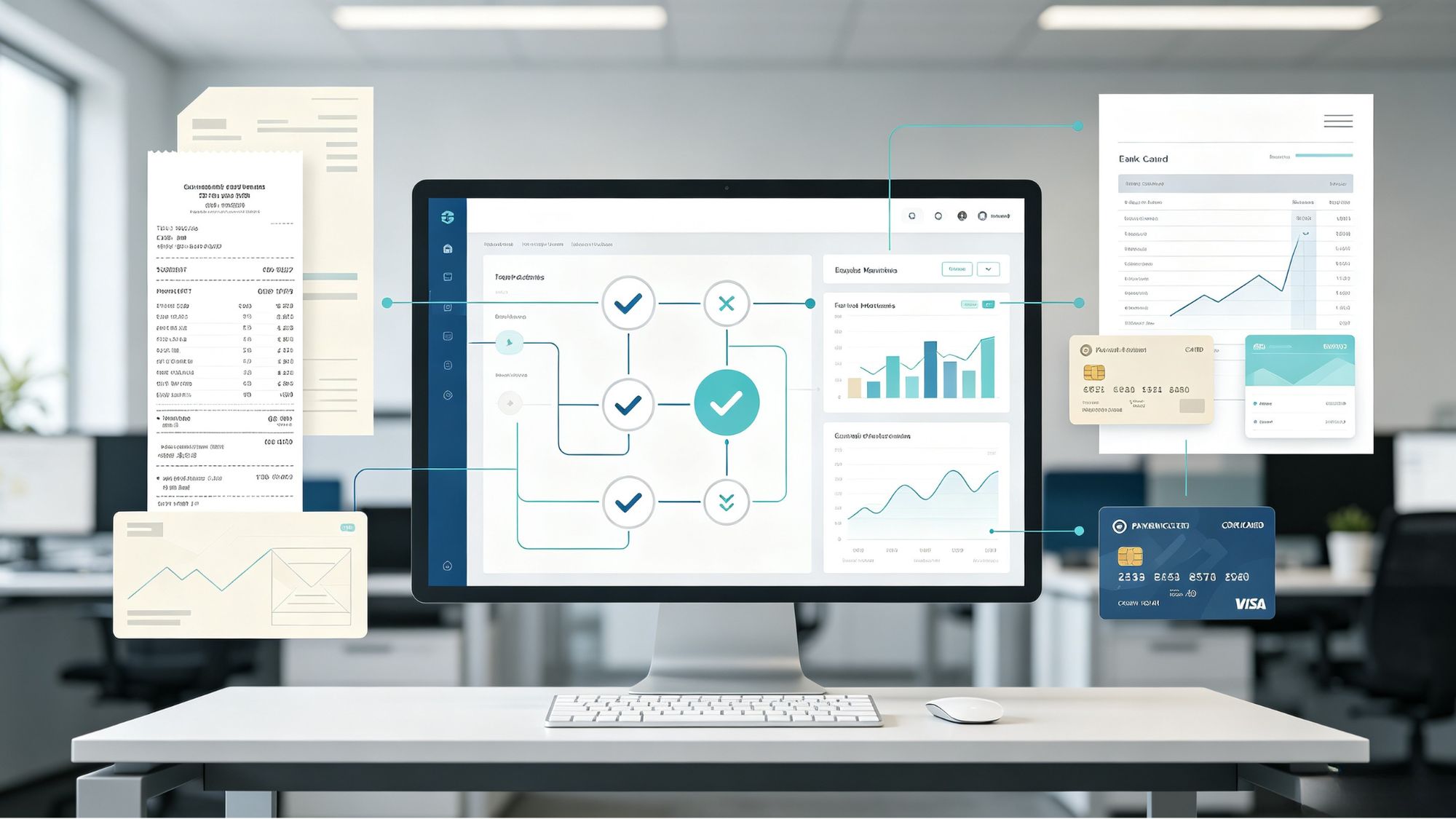
Receipts provide evidence of a purchase, but financial statements confirm that the payment actually occurred. A complete documentation workflow requires connecting expense records with corresponding bank or credit card transactions.
Monthly reconciliation is an important step in this process. Taxpayers should compare recorded receipts against bank statements to verify:
The transaction amount matches the payment record.
The payment date is consistent.
The expense category is accurate.
No transactions are missing or incorrectly recorded.
Financial software can automate much of this process by importing bank activity into accounting systems. However, automated syncing does not eliminate the need for review. Merchant names may appear differently from receipt information, transactions can be delayed, and some purchases may require manual classification.
Regular reconciliation helps maintain accurate records before tax filing deadlines create additional pressure.
Creating a Central Expense Record System
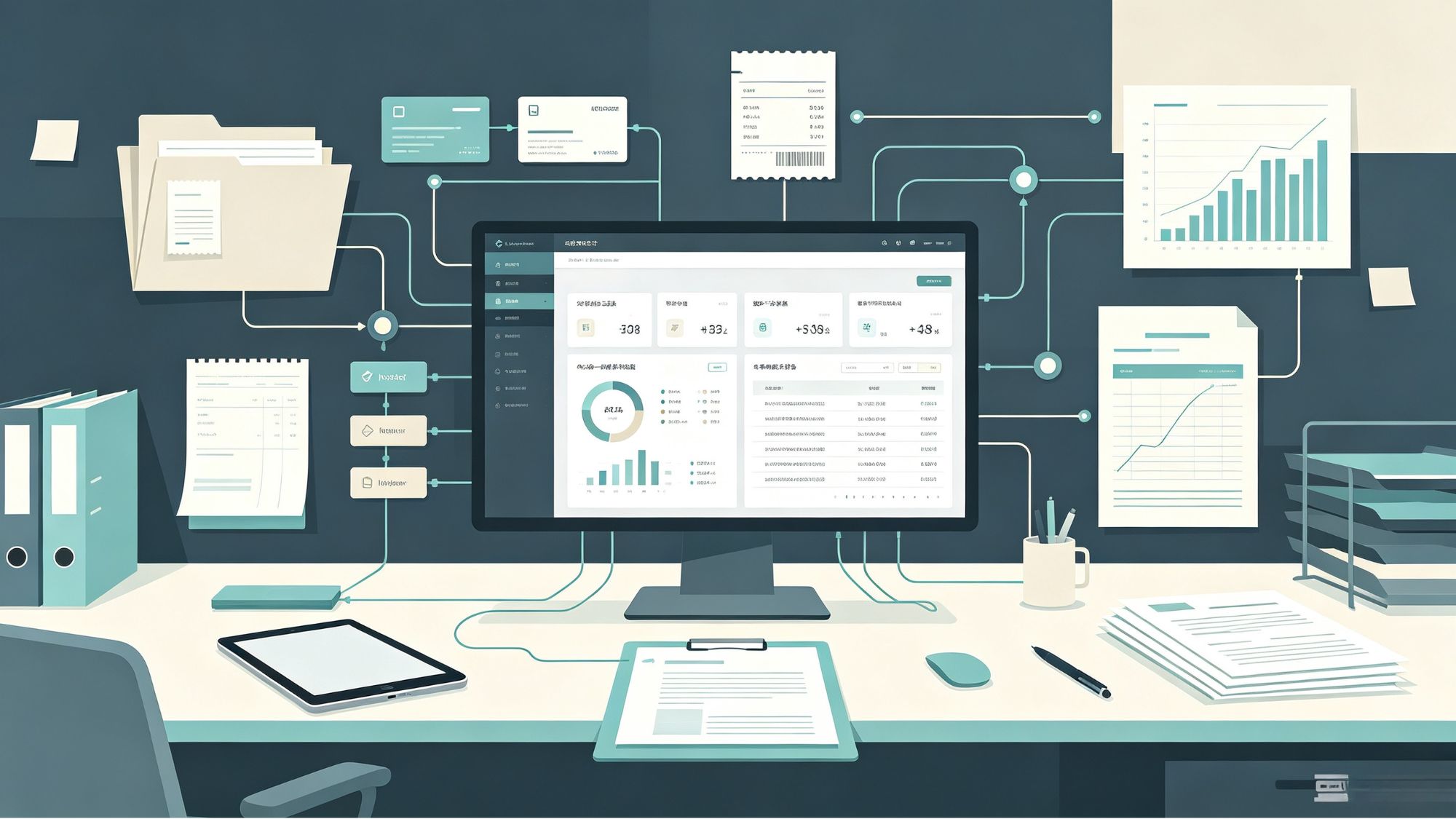
After receipts and financial transactions are matched, the information should be organized into a centralized expense ledger. This ledger acts as the connection point between daily financial activity and annual tax reporting.
A useful expense ledger typically includes:
Transaction date
Merchant name
Amount paid
Payment method
Expense category
Receipt location or digital link
Additional notes explaining the business purpose when necessary
For self-employed individuals, organizing expenses according to tax reporting categories can make year-end preparation significantly easier. For example, records may be separated into categories commonly used for business reporting, such as advertising, equipment, software, travel, and professional services.
A well-maintained ledger also creates a clear documentation trail. Instead of searching through hundreds of unrelated files, taxpayers can quickly locate the receipt, payment record, and explanation connected to a specific expense.
Integrating Year-End Tax Forms Into the System
The final stage of a digital documentation workflow is incorporating official tax documents received throughout the year. These documents provide essential income and financial information used during tax preparation.
Common tax documents include:
W-2 forms: Wage information reported by employers.
1099 forms: Income information for contractors, freelancers, and investment activities.
1098 forms: Mortgage interest statements and certain educational expense records.
Investment statements: Records showing dividends, interest, and capital transactions.
These documents should be compared against internal records before filing taxes. For example, an independent contractor should verify that income shown on received 1099 forms aligns with personal payment records and accounting information.
Identifying discrepancies early allows taxpayers to address reporting issues before submitting a tax return.

Maintaining Security and Long-Term Accessibility
Because tax records contain sensitive financial information, digital organization must include appropriate security practices. Taxpayers should use reliable storage solutions, strong account protection methods, and regular backups.
Important records such as previous tax returns, property purchase documents, and investment cost basis information may need to be retained for multiple years. Keeping these documents organized in a secure digital environment helps support future financial decisions and possible IRS inquiries.
Conclusion
A connected digital documentation system transforms tax recordkeeping from a stressful year-end task into a continuous financial management process. By capturing receipts immediately, matching expenses with bank records, maintaining a centralized ledger, and organizing official tax forms, taxpayers can create clearer and more reliable financial records.
A structured workflow reduces administrative effort, improves tax preparation accuracy, and provides a practical foundation for managing financial information throughout the year.
Filed under