Creating a Long-Term Tax Archive System for Organized and Searchable Financial Records

Digital storage has made it easier than ever to collect financial documents, but simply saving files does not create an effective archive. Many U.S. taxpayers accumulate receipts, invoices, bank statements, and tax forms across multiple devices, email accounts, and cloud folders without a consistent organization system.
The problem often appears years later when historical records are needed for an IRS inquiry, mortgage application, financial review, or amended tax return. A collection of unnamed PDFs and scattered documents can make locating important information unnecessarily difficult.
A reliable long-term tax archive requires more than storage space. It depends on clear file naming methods, logical folder structures, searchable document formats, and dependable backup practices that preserve financial records over time.
Why Digital Tax Archives Become Difficult to Manage
Many personal financial archives lose their usefulness because of three common issues: inconsistent file names, inaccessible formats, and insufficient backups.
A document saved as “Receipt_2026.pdf” may seem understandable when it is first created, but years later it provides little information about the vendor, purpose, or tax category. Without additional context, finding a specific expense among hundreds of similar files becomes time-consuming.
Another challenge is relying on software platforms that store information in proprietary formats. If an application changes its service model, stops operating, or limits data exports, users may struggle to access older financial records.
Storage location also matters. Keeping all documents on a single computer or one cloud account creates unnecessary risk. Hardware failures, accidental deletion, or account access problems can compromise years of financial history.
Establishing a Consistent File Naming System
A searchable archive begins with a standardized naming structure. Every document should contain enough information to identify its purpose without opening the file.
A practical naming format is:
YYYY-MM-DD_Vendor_Description_TaxYear
For example:
2026-03-15_Adobe_SoftwareSubscription_2026.pdf
This structure provides several advantages:
Files automatically organize chronologically.
The vendor and expense purpose are visible immediately.
Documents connected to specific tax years remain easier to locate.
Searching across multiple years becomes faster and more accurate.
Using consistent naming rules from the beginning prevents the archive from becoming dependent on memory or manual searching.
Building a Logical Tax Archive Folder Structure
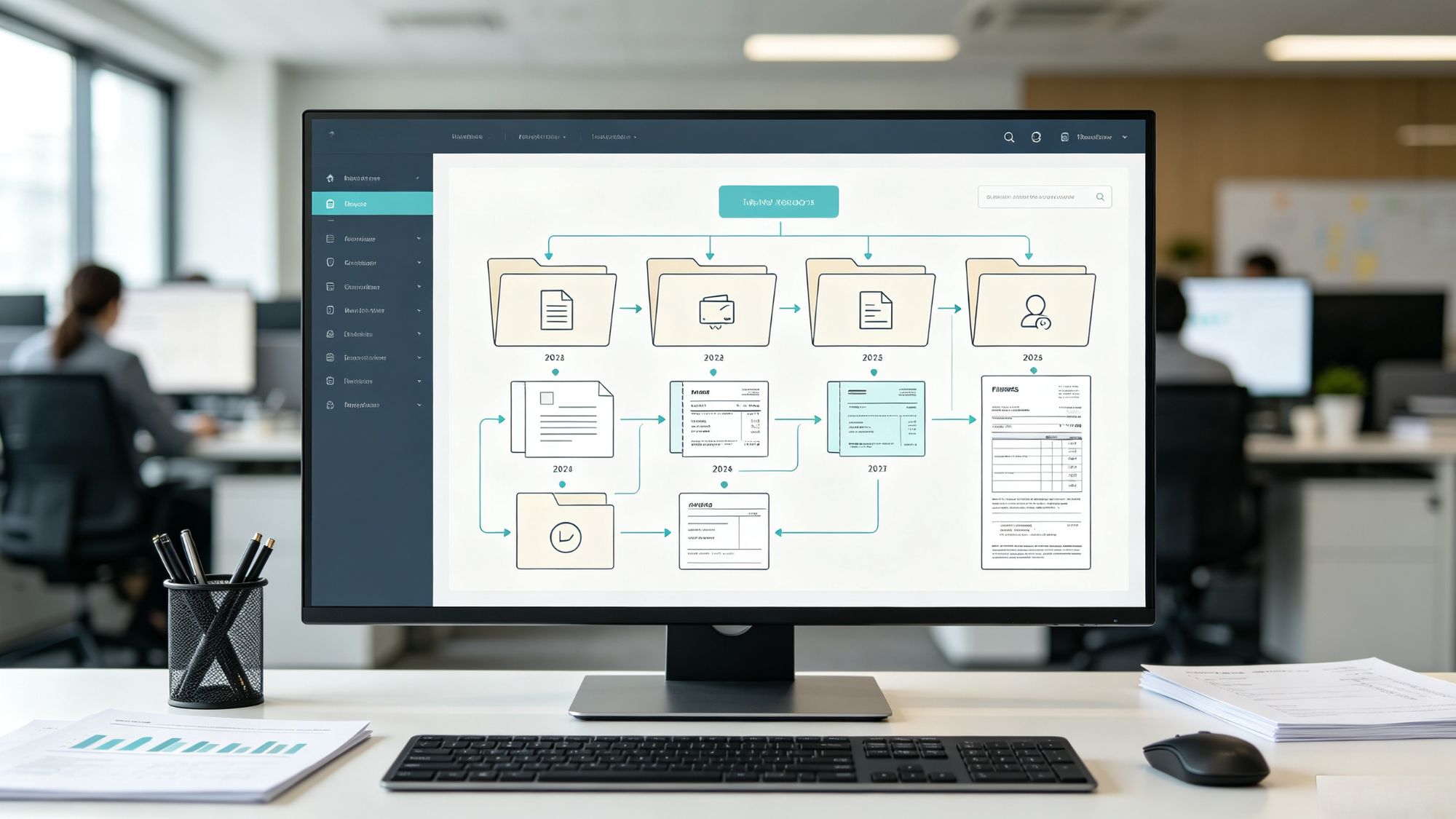
A well-designed folder system should reflect how financial information is reviewed during tax preparation. Instead of storing everything in one large directory, documents should be separated by year and category.
A practical structure may look like this:
Tax_Archives
Tax_2026
01_Income
02_Deductions
03_Investments
04_Returns
The categories can include:
Income Records
W-2 forms
1099 forms
Brokerage statements
Business income records
Deduction Records
Expense receipts
Medical documentation
Mortgage interest statements
Charitable contribution records
Investment Records
Purchase confirmations
Cost basis information
Sale records
Tax Return Files
Filed federal and state returns
IRS correspondence
Accountant documents
Using the same structure every year reduces confusion and creates predictable navigation when older records are needed.
Improving Searchability Through Digital Formats
Long-term accessibility depends not only on where files are stored but also on how they are saved.
For documents that need preservation, standardized formats are generally preferable to temporary or application-specific files. PDF-based formats are commonly used because they maintain document appearance across different devices and operating systems.
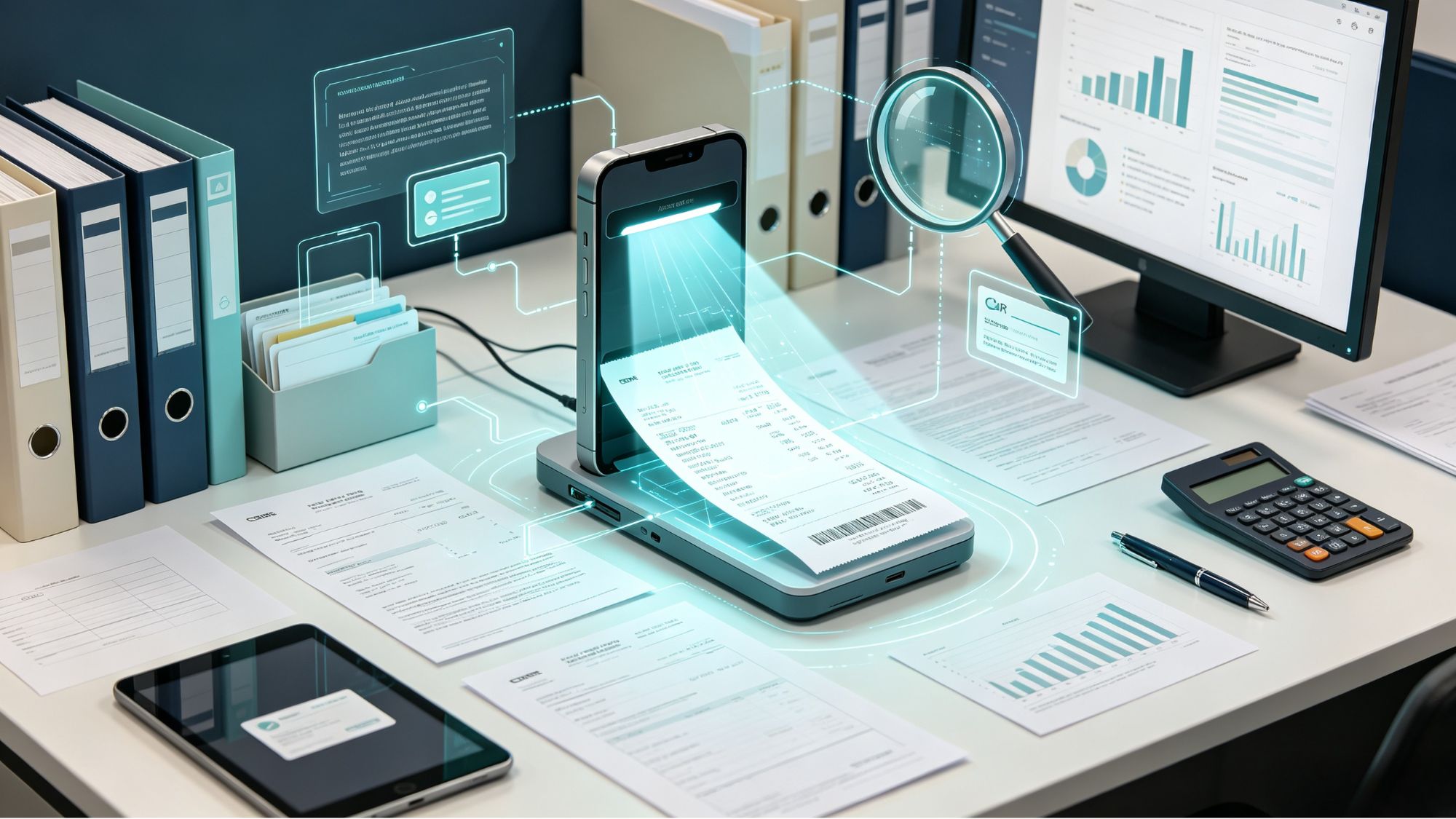
For scanned paper documents, Optical Character Recognition (OCR) provides an additional advantage. A scanned receipt without OCR is essentially an image that computers cannot understand. OCR converts printed information into searchable text, allowing users to find documents by searching for:
Vendor names
Transaction amounts
Invoice numbers
Keywords related to expenses
Adding OCR during the scanning process significantly improves the usefulness of large financial archives.
Protecting Records With Backup Strategies
A well-organized archive still requires reliable protection against data loss. Financial records should not depend on a single storage location.
A commonly used approach is the 3-2-1 backup strategy:
Three copies of important files: Maintain the original archive plus additional backups.
Two different storage types: Combine options such as local drives and cloud storage.
One separate backup location: Keep one copy away from the primary location to reduce risks from theft, disasters, or hardware failures.
Backups should also be tested periodically. A backup system is only useful if files can actually be restored when needed. Reviewing backup integrity once or twice a year helps identify problems before an emergency occurs.

Maintaining the Archive Over Time
A long-term archive works best when maintenance becomes a regular habit rather than an annual project.
Useful maintenance practices include:
Adding documents shortly after transactions occur.
Reviewing folder organization at the end of each tax year.
Removing unnecessary duplicate files.
Updating backup copies regularly.
Confirming that important files remain readable.
Small maintenance efforts throughout the year prevent large organizational problems later.

Conclusion
A long-term tax archive turns financial records from scattered digital files into an organized information system. By applying consistent naming conventions, creating structured folders, using searchable file formats, and maintaining reliable backups, taxpayers can keep important documents accessible for years.
An effective archive reduces the difficulty of tax preparation, supports accurate financial reporting, and provides a dependable record of past financial activity whenever documentation is required.
Filed under